
Accessing Youtube Live Free Talk
Step 1a: Navigate to the Cyber Anchor Youtube Page
On the Cyber Anchor Free Talk page (figure 1.1), you will see a list of free talks scheduled (in this case, only the Cyber Anchor Free Talk 2024).
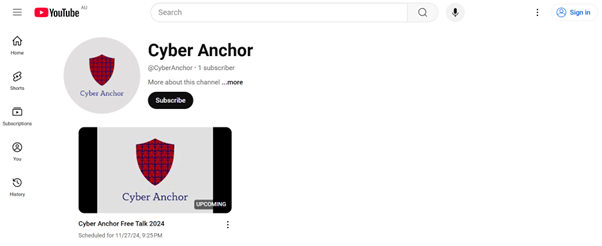
Figure 1.1
Step 1b: Access Through the Link
Alternatively, you will have access to a Youtube link. Click on that link and it will direct you to the appropriate page.
Step 2: Login to Youtube
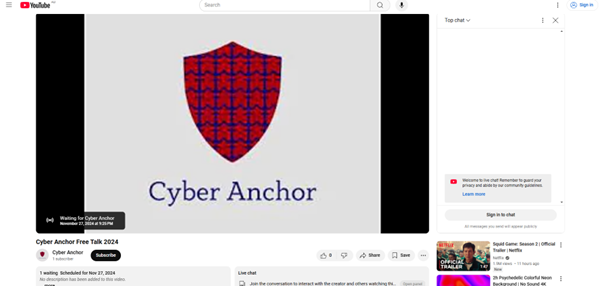
Figure 2.1
Upon clicking the link, you will appear on this page (figure 2.1). At this point, nothing is streaming yet.
However, to access the chat function to submit questions, you need to sign in.
Click on the highlighted blue button (figure 2.2) to sign in to chat.
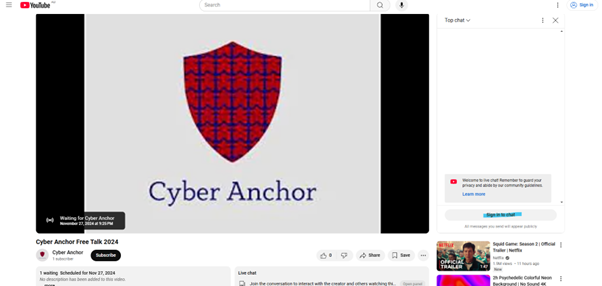
Figure 2.2
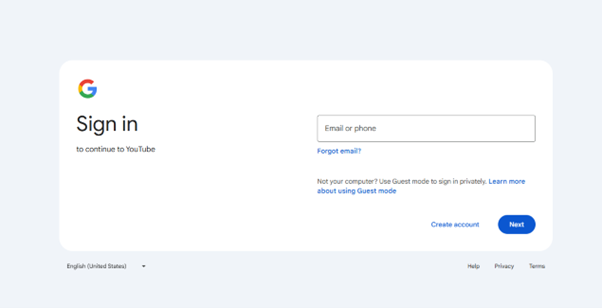
Figure 2.3
Upon clicking the sign in, you are redirected to a google sign in page (figure 2.3).
Sign in using your Google account (Gmail account), or create a new account.
Step 3: Subscribe and Chat Access
Upon logging in, you can access the full chat function (figure 3.1 red highlight).
Ask any questions that you might have through this function.
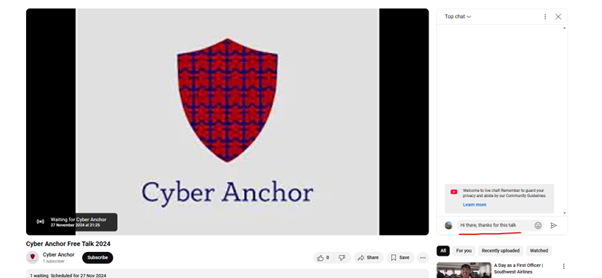
Figure 3.1
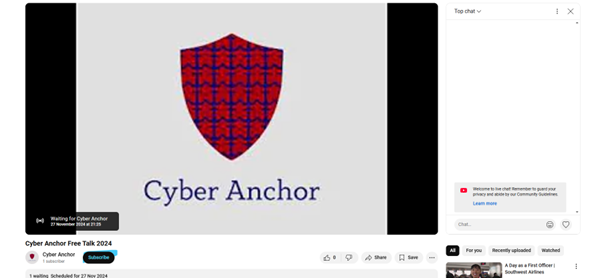
Figure 3.2
Also, click on the subscribe button to subscribe to our channel for any new information (figure 3.2 blue highlight)
Step 4: Refresh Upon Start Time
At the scheduled time of the broadcast as highlighted in the bottom left of the screen, refresh the page by clicking on the refresh button (figure 4.1 highlighted blue).

Figure 4.1
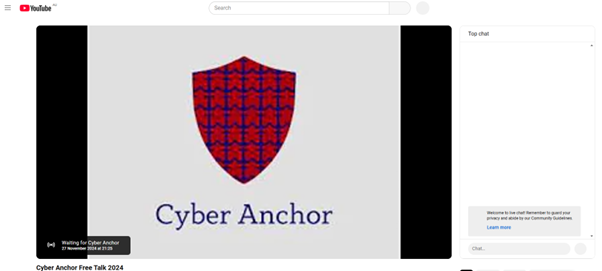
Figure 4.2
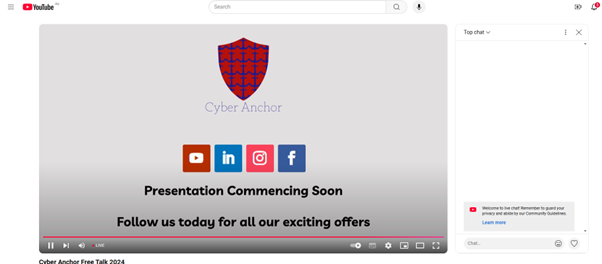
Figure 4.3
If you have refreshed correctly at the start time, the screen will transition from figure 4.2 to figure 4.3.
When you reach figure 4.3, sit back and enjoy the free talk
Should there be any delays, keep pressing the refresh button every few minutes until reaching figure 4.3.